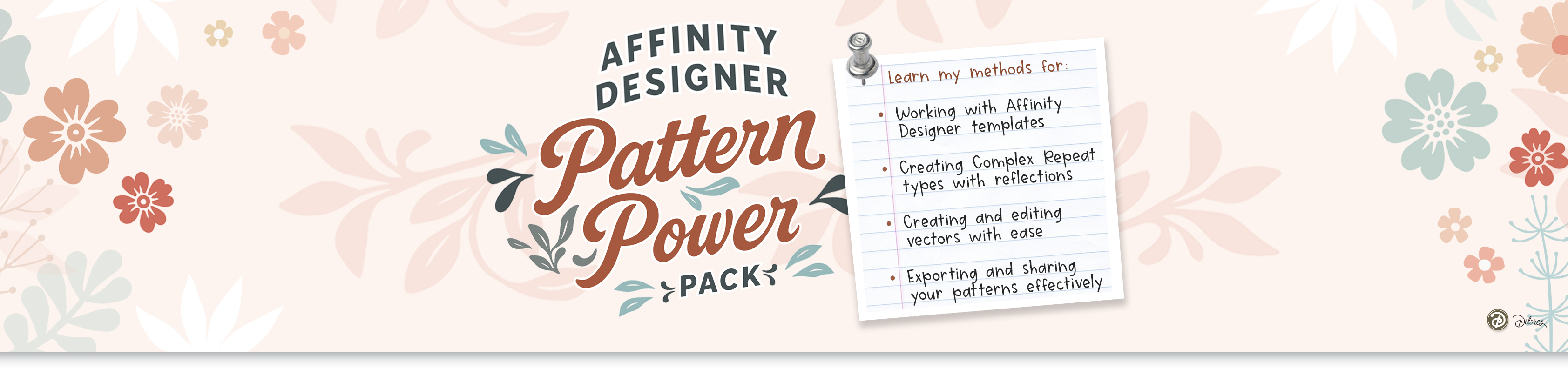
Introducing the Pattern Power Template Toolkit for iPad
Speed up your surface pattern design process with smart, seamless templates made just for Affinity Designer 2 on the iPad. This is Volume 1 and contains 12 template ideas!
Feeling stuck in a slow, repetitive workflow?
If you're tired of duplicating motifs manually, juggling layers, or calculating repeat spacing by hand—you're not alone. Even seasoned Procreate and Illustrator users find it frustrating to build seamless patterns on the iPad... until now.
Say hello to a faster, easier way to create repeat patterns.
This Pattern Power Template Toolkit gives you:
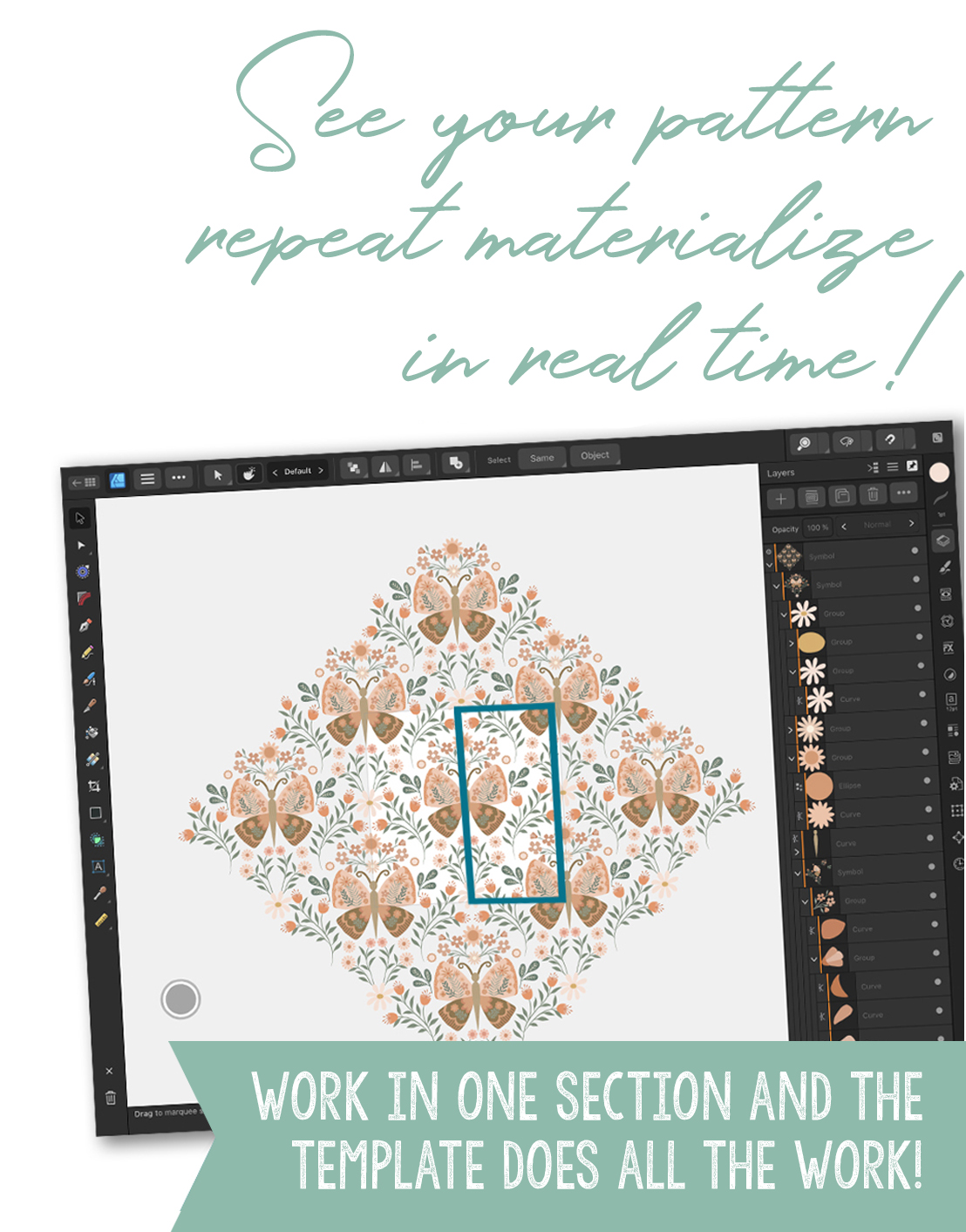
- Real-time previewing of repeat effects
- No more complicated math or guessing
- Drag-and-drop motif building blocks
- Complex repeat types without complex setup
💡 Why these templates are a game-changer:
No More Duplicating Motifs – just move one and see the full repeat in action
No Math Needed – spacing, tiling, and repeat logic are built-in
Full Creative Control – use your own artwork, brushes, and styles
Instructional Videos Included – every template comes with a how-to walkthrough
Instant Downloads – works right in Affinity Designer 2 for iPad
What’s Included in Volume 1:
You’ll get 12 powerful repeat templates
+ companion video lessons for each, covering:
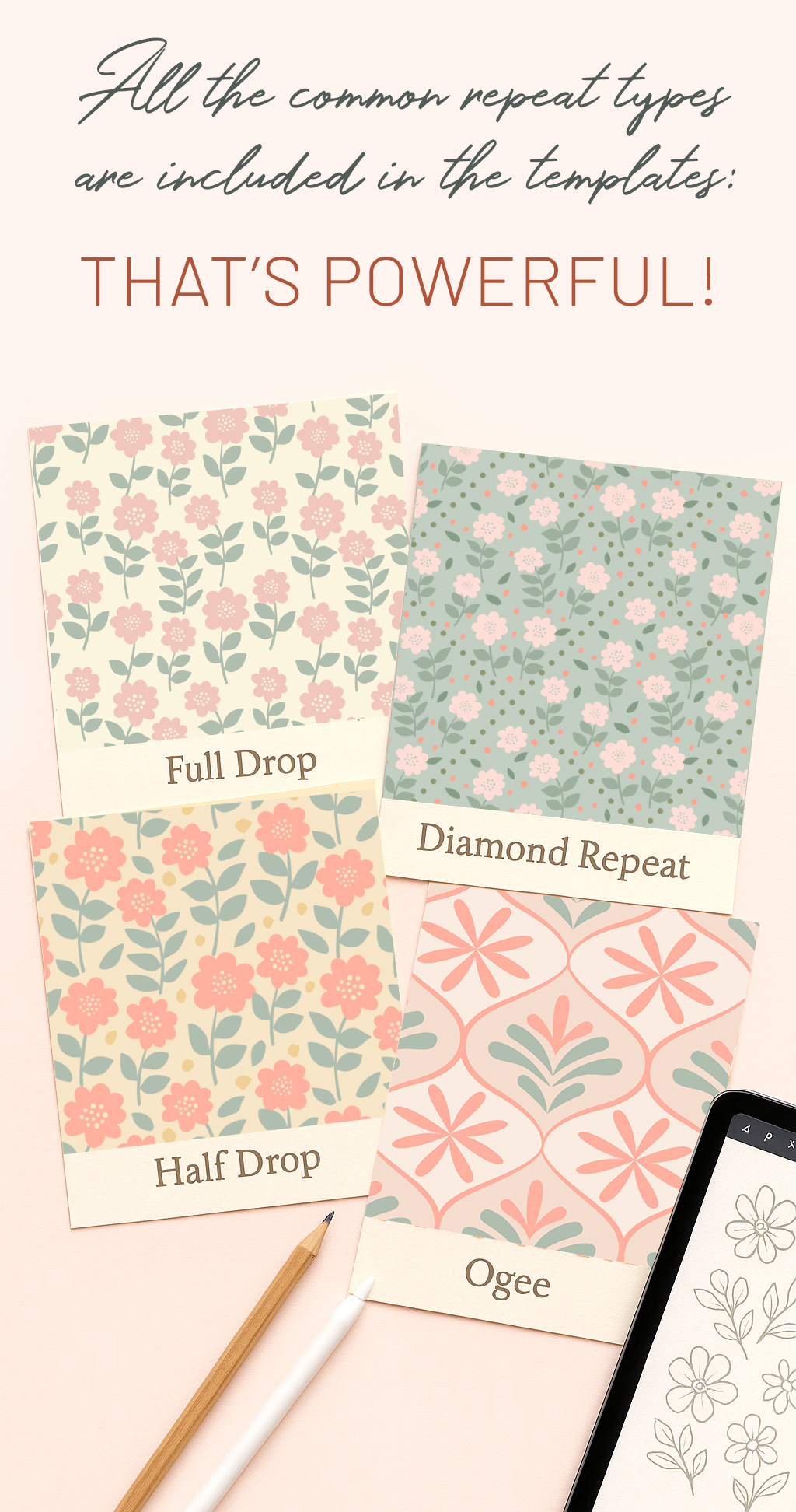
- Full Drop + Reflections
- Half Drop + Tosses
- Complex Scallops + Ogee Repeats
- Diamond, Chevron, and Circle-based layouts
- Bonus: Real-world examples from my own
Spoonflower shop!
This is a full year’s worth of tools to accelerate your surface pattern design journey.
Works Exclusively in Affinity Designer 2 for iPad
If you’ve been longing for easier Illustrator-style pattern previews but love working on the iPad, this toolkit is your new best friend. It’s designed to complement your creative flow—so you can build and refine patterns without switching programs or sacrificing speed. You can even add pixel details right in this program! No needing to import textures or going into Procreate! It's all right here!
Who is this for?
This toolkit is perfect for:
- Digital artists ready to sell or license their patterns
- Surface designers tired of clunky, outdated repeat-building
- Anyone learning Affinity Designer and wanting a shortcut to pro-level results
How it works
- Download your template pack
- Open any file in Affinity Designer on iPad
- Follow along with the guided video
- Sub in your motifs and explore real-time repeat previews
-
Export your patterns for Spoonflower, PODs, or licensing
Student Success
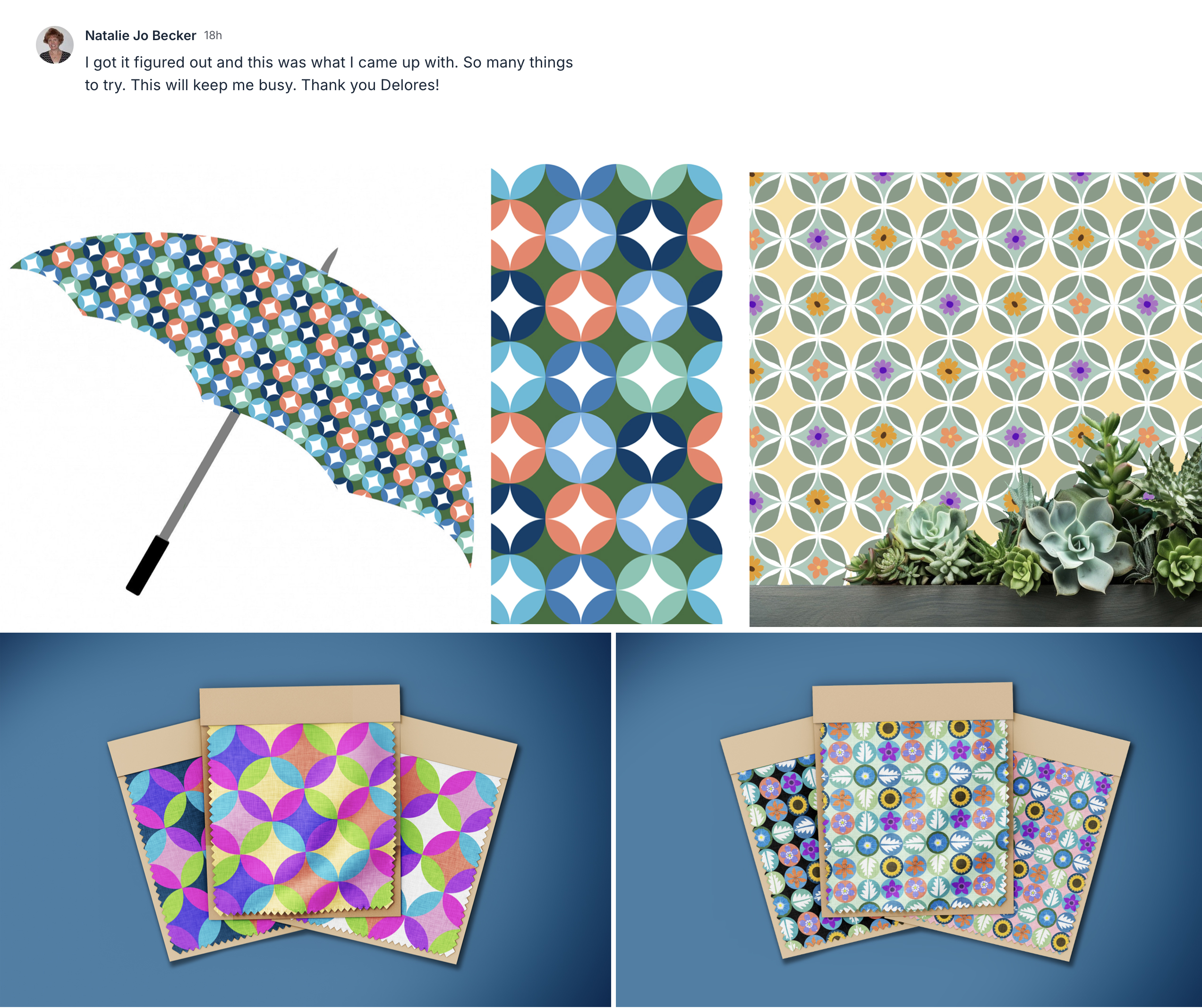
Fun and Challenging
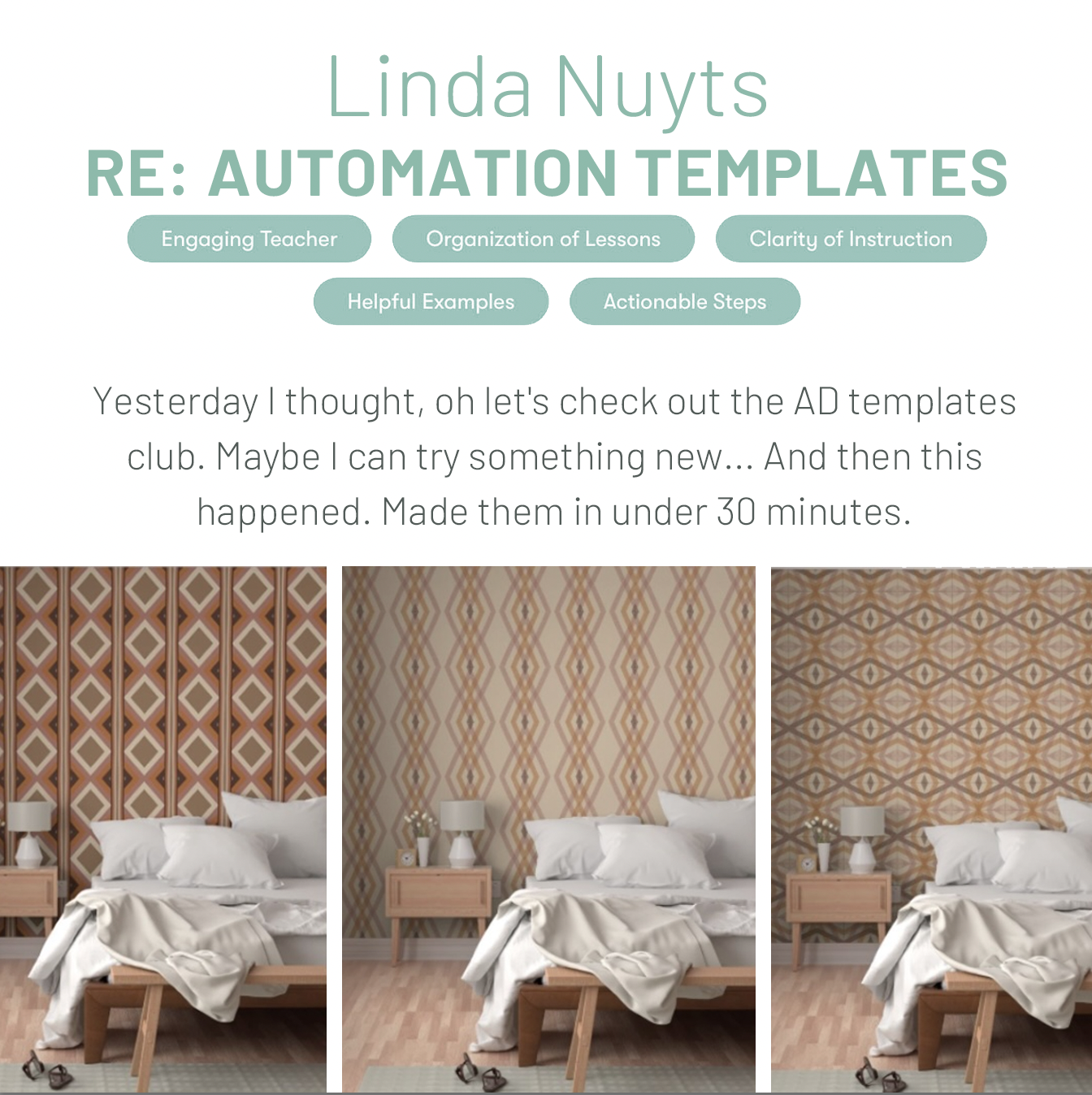
Speed and Function
The Templates
- #1 - Template Club - Full Drop Instructions (13:43)
- #2 - Template Club - Full Drop with Reflection (10:10)
- #3 - Template Club - Half Drop with Reflection (9:40)
- #4 - Template Club - Full Drop with Double Reflection (10:09)
- #5 - Template Club - Ogee Full Drop with Reflection (11:53)
- #6 - Template Club - Full Drop Reflected Scallop (10:12)
- #7 - Template Club - Scarf 4 Quadrant Repeat with Reflection (15:40)
- #8 - Template Club - Half Brick Repeat Hearts in Affinity Designer (10:00)
- #9 - Template Club - Diamond Repeat in Affinity Designer (9:02)
- #10 Template Club - Creating a Border Print in Affinity Designer (11:58)
- #11 - Template Club - Complex Ogee in Affinity Designer (11:53)
- #12 - Template Club - Irregular Full Drop and Half Drop Stripes (7:13)