About This Class
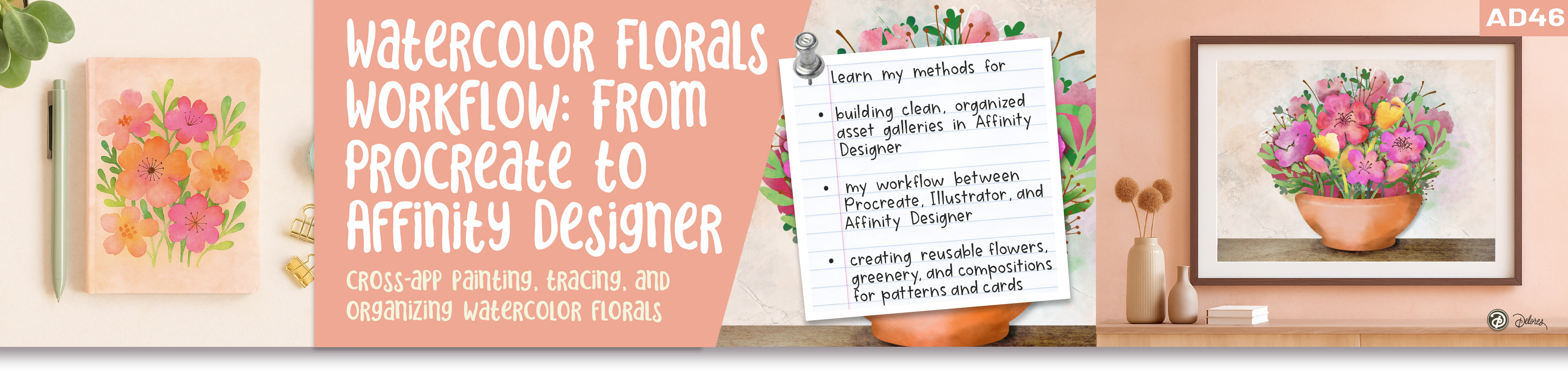
If you’ve ever created beautiful artwork in Procreate but weren’t sure how to turn it into something professional and reusable, this class will show you exactly how to bridge that gap. In AD 46 From Procreate to Illustrator to Watercolour in Affinity Designer, you’ll discover how to move your art seamlessly between Procreate, Adobe Illustrator, and Affinity Designer, using each program for what it does best.
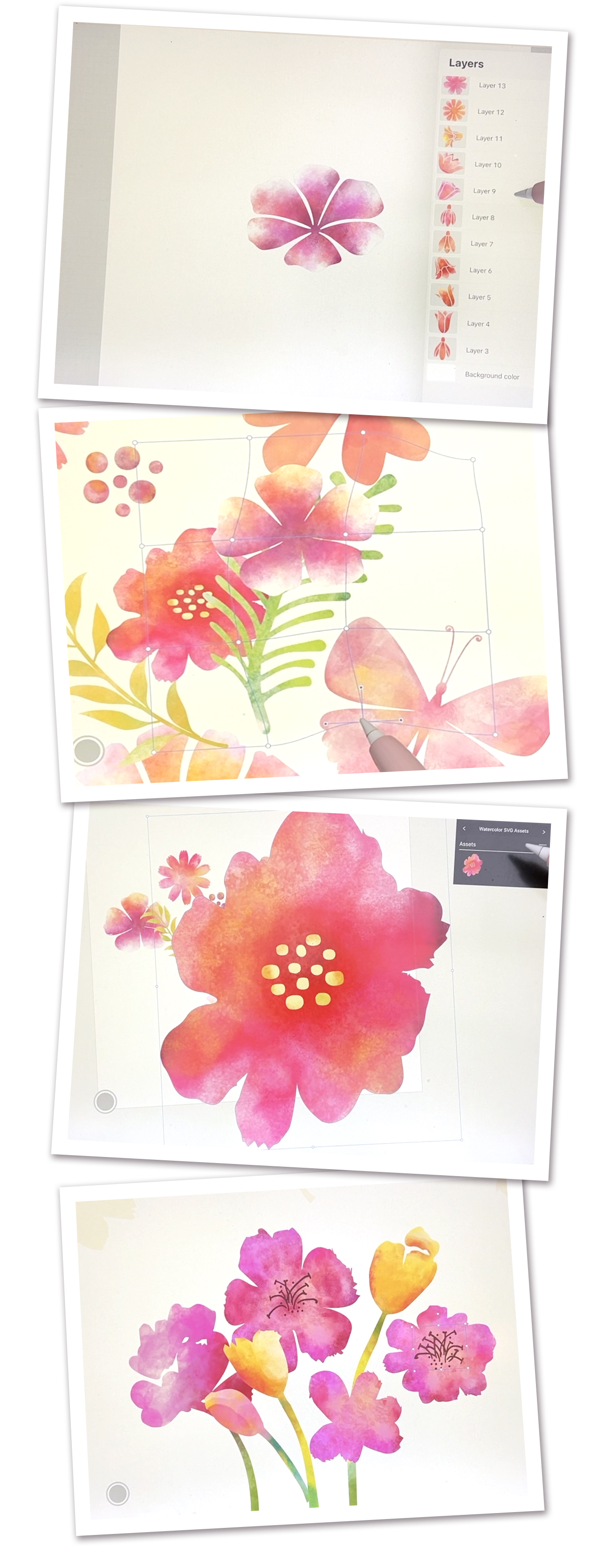
We’ll begin with hand-drawn sketches and painted layers in Procreate, then take other elements into Illustrator to auto-trace and from there, you’ll bring everything into Affinity Designer, where you’ll organize, recolor, and paint them with digital watercolor texture using the Pixel Persona. The result is a fully editable, vector-based asset library, your own ready-to-use gallery of flowers, mushrooms, leaves, and decorative elements you can drop into patterns, cards, and future collections.
This class is perfect if you’re tired of starting from scratch every time you create a new project. You’ll learn a method for turning your painted motifs into flexible assets you can reuse again and again: no more wasted time redrawing elements or hunting through old files. By building a structured, well-labeled asset gallery, you’ll work faster, keep your designs cohesive, and gain the confidence to mix media between apps.
Whether you’re a hobbyist wanting to take your art to the next level or a professional designer looking to streamline your workflow, this class gives you a repeatable system for creating, organizing, and reusing artwork across platforms—something every digital artist can benefit from.
This Class is Perfect For
• Artists transitioning from Adobe Illustrator to Affinity Designer
• Procreate users who want to create professional, vector-based artwork
• Designers looking to build reusable asset collections for print-on-demand or pattern design
• Designers wanting to work efficiently and integrate various programs
The Curriculum
- Intro to AD 46 - Watercolor Florals Workflow: From Procreate to Affinity Designer (1:03)
- Lesson 1 Setting Up the Procreate Layers to Export (13:22)
- Lesson 2 Painting Loose Watercolor in Procreate (10:27)
- Lesson 3 Painting Watercolor in Procreate and Affinity Designer (13:48)
- Lesson 4 Export PNGs and Handle Assets in AffinityDesigner (13:43)
- Lesson 5 How Asset Galleries Simplify Your Workflow (13:08)
- Lesson 6 Closing Thoughts, Examples and Wrap Up (0:53)