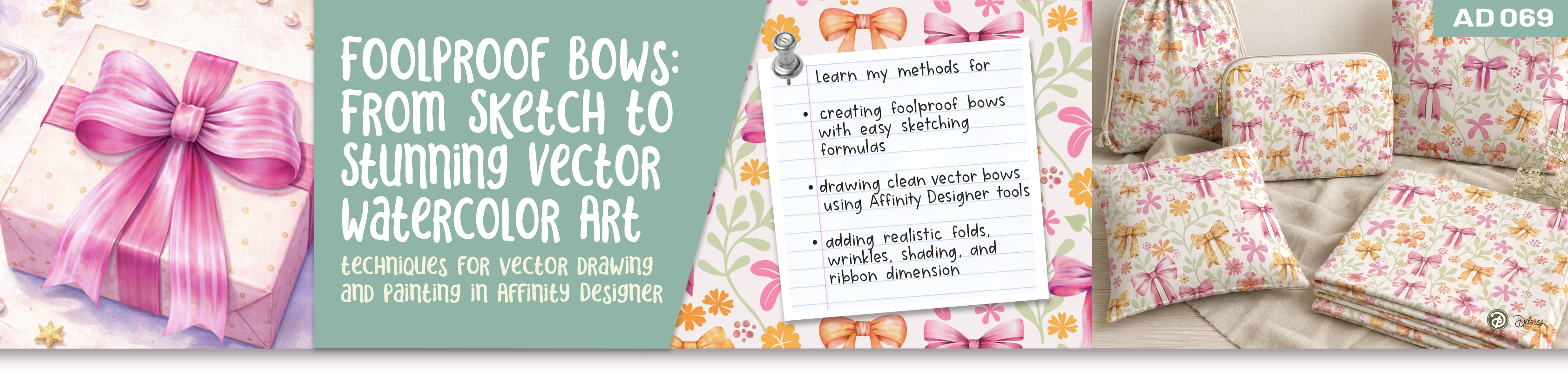
About This Class
This class is all about taking something that can feel tricky—drawing bows—and turning it into a simple, repeatable process you can rely on every time. You’ll learn a clear “formula” for building bows that look balanced, dimensional, and full of personality, starting from a quick sketch and moving into clean vector shapes. Along the way, we’ll keep things flexible so you can easily reuse and adapt your designs.
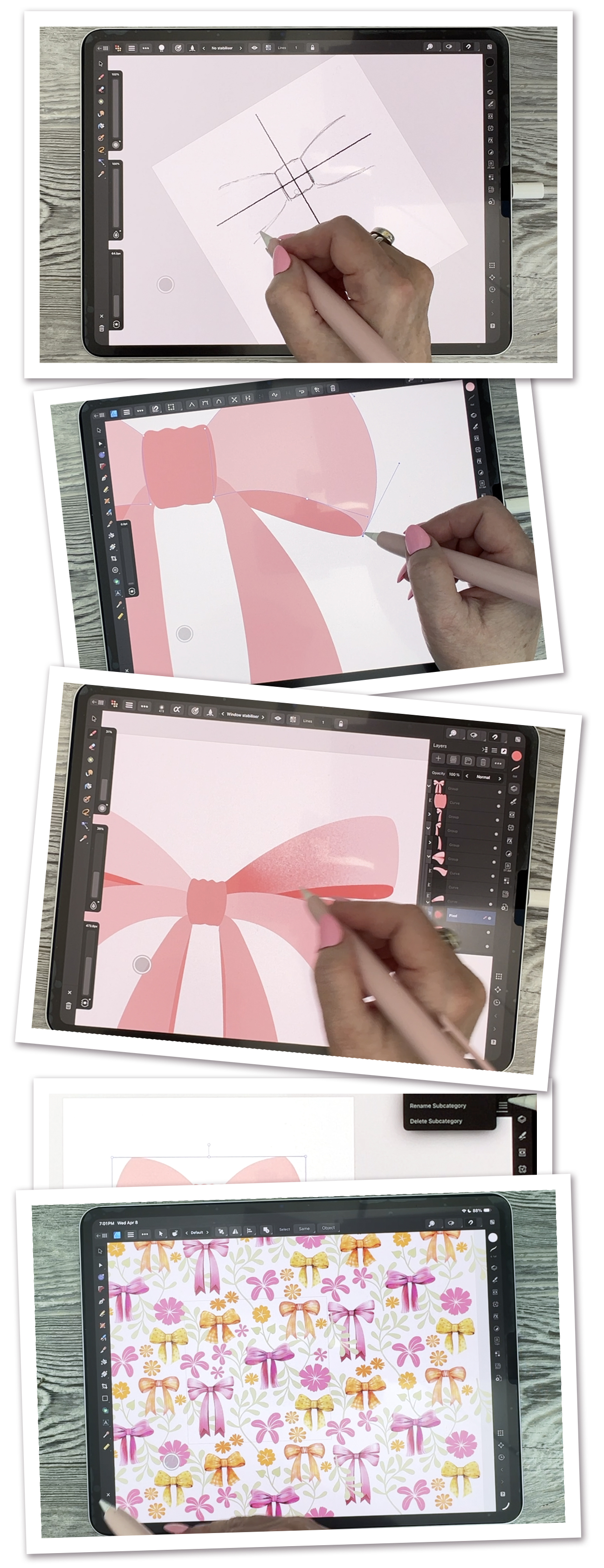
We’ll work through six lessons together (confirmed), each one building on the last. You’ll begin with a rough sketch using Affinity Designer’s Pixel Persona, then move into vector construction where everything becomes clean and editable. From there, you’ll explore variations, add depth with shading and highlights, and finish with decorative details that really bring your bows to life.
By the end of the class, you won’t just have one finished bow—you’ll have a method you can use again and again. You’ll be able to create endless variations, save them as reusable assets, and even turn them into patterns or design elements for cards, prints, and more.
In this class I’ll walk you through
- Creating a simple, reliable bow drawing formula
- Sketching guides using Pixel Persona tools
- Building clean vector shapes efficiently
- Using symmetry and duplication to save time
- Adding dimension with shading and highlights
- Creating variations and reusable assets
- Applying textures, patterns, and finishing details
The Key Concepts I will include
In this class, we cover sketching bow structure, using Pixel Persona for rough drawing, and building clean vector shapes with pen and pencil tools. You’ll also explore symmetry, duplication, shape building, and organizing your work into reusable assets. We’ll finish with shading, highlights, textures, blending modes, decorative patterns, recoloring, and preparing your artwork for reuse or pattern design.
This might look like a lot, but each concept builds naturally on the last. You’ll get comfortable as you go, and by the end, these techniques will feel much more intuitive. Take it one step at a time and enjoy the

Example Title
Use this block to showcase testimonials, features, categories, or more. Each column has its own individual text field. You can also leave the text blank to have it display nothing and just showcase an image.

Example Title
Use this block to showcase testimonials, features, categories, or more. Each column has its own individual text field. You can also leave the text blank to have it display nothing and just showcase an image.
Example Title
Use this block to showcase testimonials, features, categories, or more. Each column has its own individual text field. You can also leave the text blank to have it display nothing and just showcase an image.
Example Curriculum
- Intro: Getting Inspired and Understanding the Bow Formula (1:11)
- Lesson 1: Sketching the Basic Bow Structure with Confidence (8:46)
- Lesson 2: Building Clean Vector Shapes from Your Sketch (10:25)
- Lesson 3: Creating Variations and Custom Bow Styles Easily (9:49)
- Lesson 4: Adding Depth with Shading, Wrinkles, and Highlights (9:31)
- Lesson 5: Painting, Textures, and Finishing Decorative Details (11:22)
- Lesson 6: Final Touches, Adjustments, and Creative Applications (11:31)
- Lesson 7: Closing Thoughts and Mockups (1:01)
Example Featured Products
Showcase other available courses, bundles, and coaching products you’re selling with the Featured Products block to provide alternatives to visitors who may not be interested in this specific product.