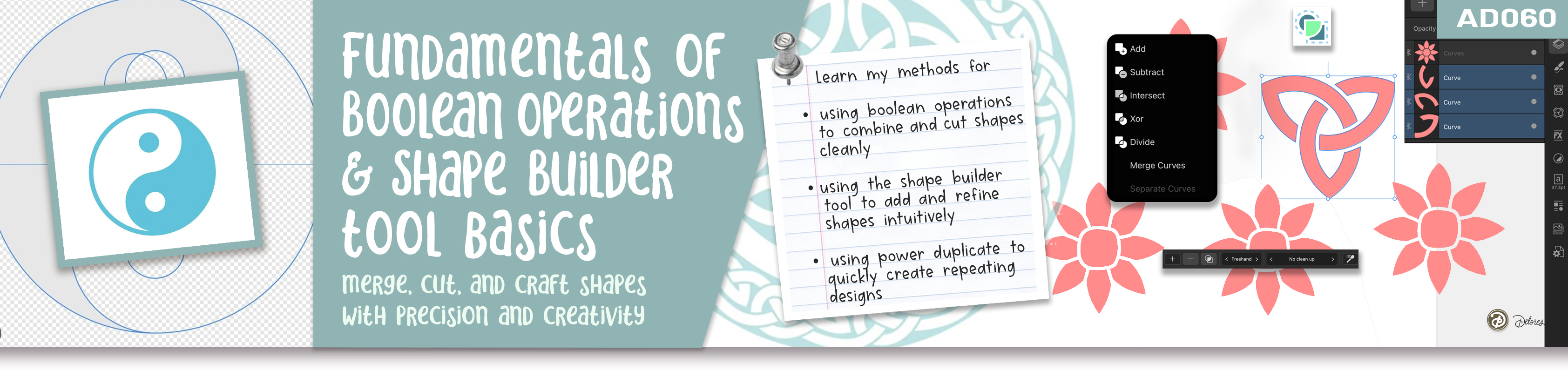
Shape smarter designs using simple tools in Affinity Designer
In this short and focused class, we take a practical look at how Boolean operations (or sometimes called geometry operations) and the Shape Builder tool work together inside Affinity Designer to help you build, edit, and refine shapes with confidence. You’ll see how simple selections can quickly turn into more complex designs, and how understanding just a few key tools can dramatically speed up your workflow. This is a single-lesson class designed to give you clear, useful techniques you can start applying right away.
Online Help (User Manual)
We’ll walk through how to combine, subtract, and modify shapes to create effects like cut-outs, compound paths, and layered designs. You’ll also explore how different tools—like the Move Tool and Node Tool—play a role in making accurate selections, and how small choices can change your results. Along the way, you’ll see examples ranging from basic shape edits to more detailed constructions like a Celtic knot and stylized floral forms.
By the end of this class, you’ll have a better sense of when to use Boolean operations versus the Shape Builder tool, and how to choose the fastest approach for what you’re trying to create. This is all about building confidence with tools that can feel a bit technical at first, but become second nature with just a little practice.
In this class I'll walk you through
We’ll go step-by-step through selecting shapes, applying Boolean operations like add, subtract, and XOR, and using the Shape Builder tool for more flexible edits. You’ll also see how to manage layers, expand strokes when needed, and combine shapes into clean, usable artwork. Everything is demonstrated in a straightforward way so you can follow along easily.