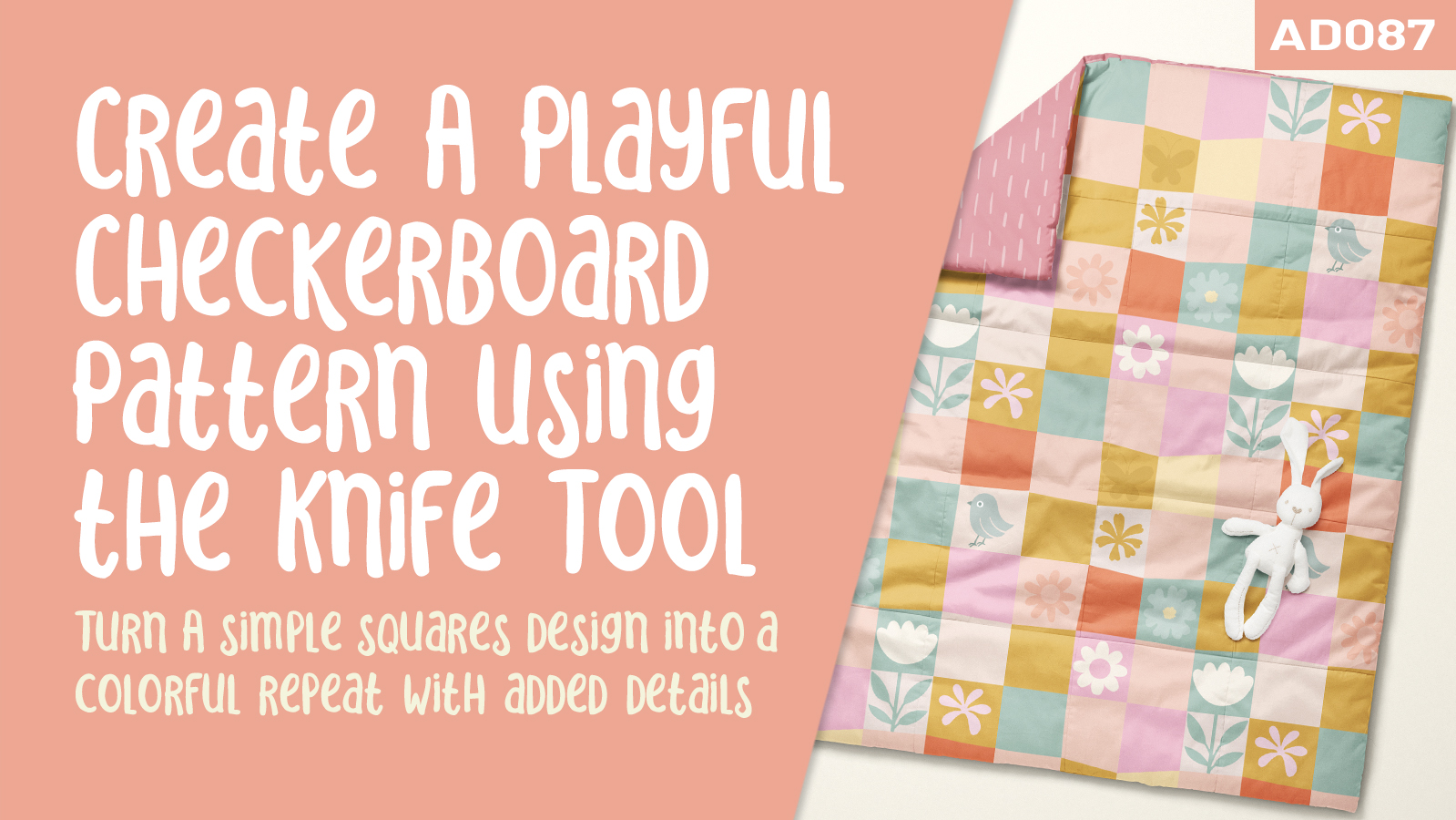
Turn simple squares into a playful repeating pattern full of personality! In this Affinity Designer class, you’ll use the Knife Tool to create slightly uneven checks with a relaxed, handmade feel.
Starting with a full drop repeat template, we’ll sketch a loose grid, cut it into individual shapes, and colour the checks with the Flood Fill Tool. We’ll adjust edges, corners, and colour placement to create a balanced design.
Then we’ll add flowers, leaves, or other small motifs to selected squares, using existing artwork and the Sculpt Tool to refine shapes. We’ll check the full repeat and explore optional texture.
With an introduction, three practical lessons, and closing thoughts, you’ll create your own repeating checkerboard that can stand alone or coordinate with a larger pattern collection.
Affinity Designer 087 - Quick Checkers using the Knife Tool in Affinity Designer
subscription every month
one-time purchase
Flexible payment options available at checkout