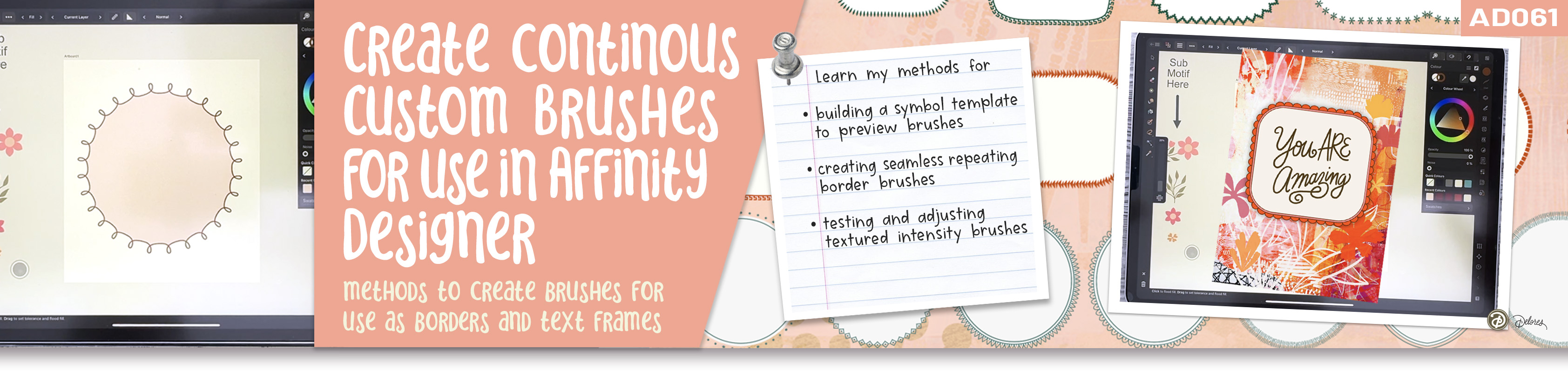
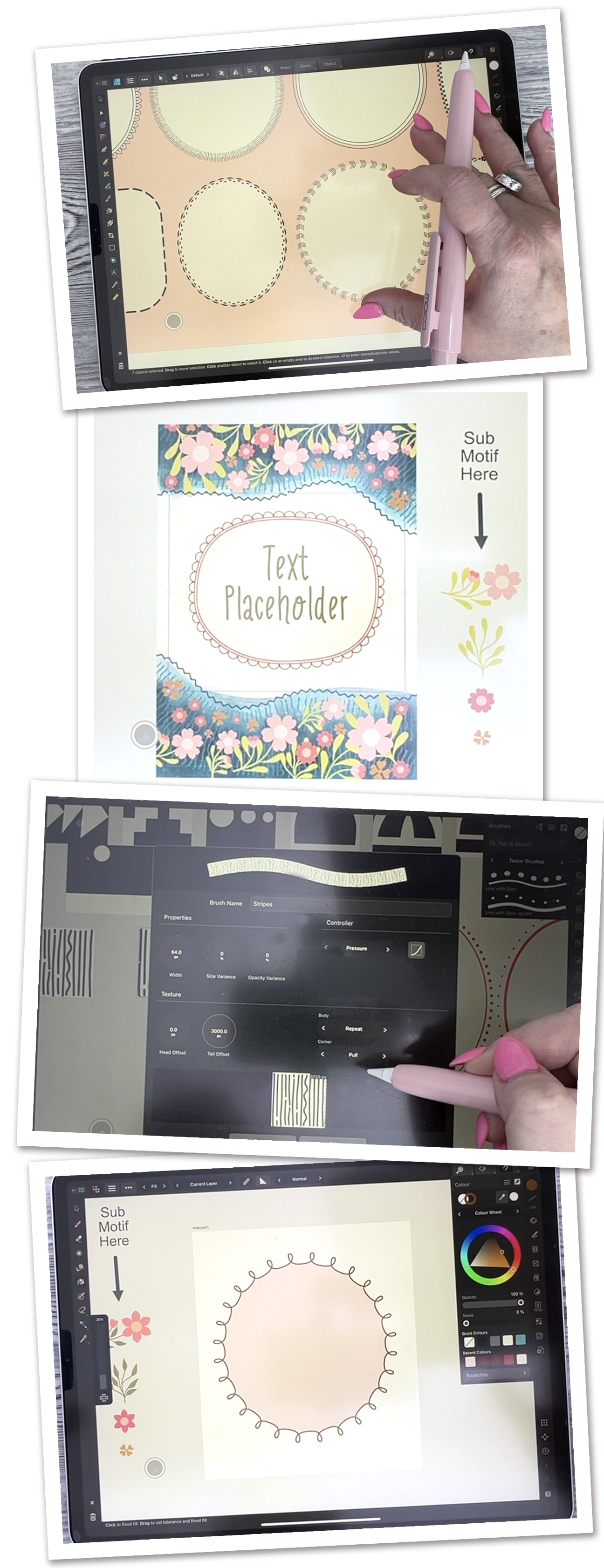
About This Class:
About This Class
In this friendly, practical class, you’ll learn how to create continuous border brushes in Affinity Designer using a clear, repeatable system that actually works. We’ll build a simple symbol-based preview template so you can see how your brush behaves while you’re designing it, instead of guessing and hoping for the best. With 5 succinct lessons in total, this class walks you step by step from setup to finished, usable brushes you can rely on again and again.
You’ll discover how small design choices affect the final look of a repeating brush, and how easy it is to create variations once the core workflow makes sense. From dots and stripes to more playful or textured borders, you’ll see how these brushes stay seamless on straight lines, curves, and closed shapes. The focus is on understanding why things work, so you’re not just following steps, you’re building confidence.
We’ll start with a clear overview of what continuous border brushes are and how they can be used in real design work. You’ll see examples of finished brushes in cards and layouts, and I’ll explain the system we’ll be using throughout the class. This sets the stage so everything else makes sense as we go.
By the end of the class, you’ll have several finished border brushes, a reusable template, and a solid understanding of how to test, adjust, and organize your brushes for real projects like cards, illustrations, and layouts. Everything is explained in an encouraging, low-pressure way, with plenty of room to experiment and make the process your own.
In this class I'll walk you through
I’ll guide you through the exact process I use to create continuous border brushes that repeat cleanly and stay flexible. You’ll see how to build a symbol-based template, export the right kind of PNG files, turn them into textured intensity brushes, and test them in real time. Everything is broken down into manageable steps so you can follow along without feeling overwhelmed.
The Key Concepts I will include
You’ll learn how symbols help preview repeats, how textured intensity brushes work, when to use repeat versus stretch, and how small changes in spacing or thickness can completely change a brush. We’ll also cover practical problem-solving, like fixing stretched ends and filling shapes when brushes don’t behave the way you expect. Take your time with this class, try things more than once, and don’t worry if your first attempts feel rough—that’s part of the process and exactly how these techniques start to click.