About This Class
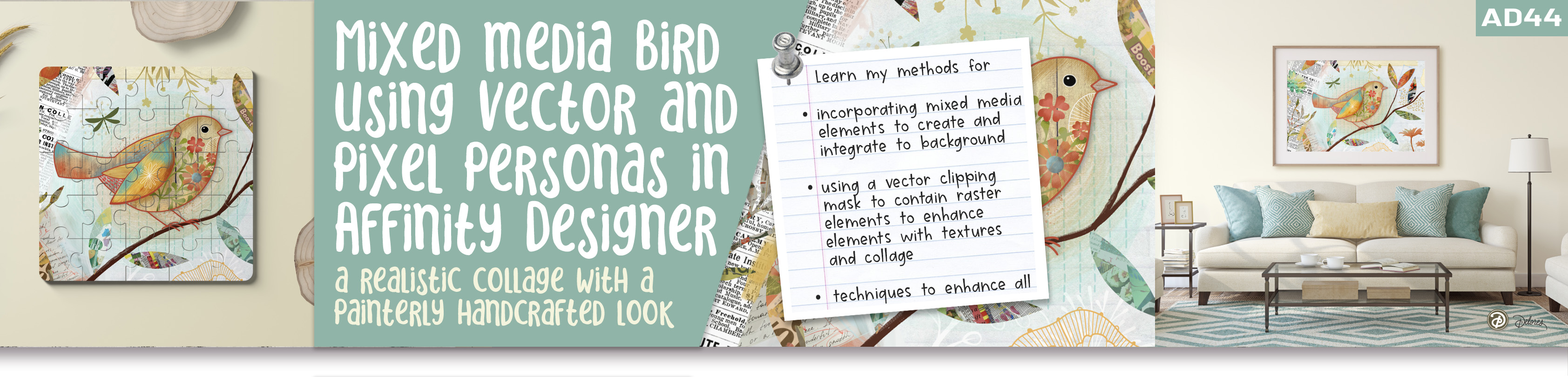
Welcome to AD 44 Mixed Media Bird Illustration using Vector and Pixel Personas, a creative and fun course designed for anyone who enjoys exploring mixed media art and taking their designs to the next level by blending traditional collage techniques with digital tools. In this class, we’ll be combining vector and pixel personas in Affinity Designer to create a beautiful, dynamic illustration featuring a bird as the central subject. Whether you’re a beginner or an experienced designer, you’ll leave with practical skills, inspiration, and the confidence to start experimenting with digital mixed media artwork.
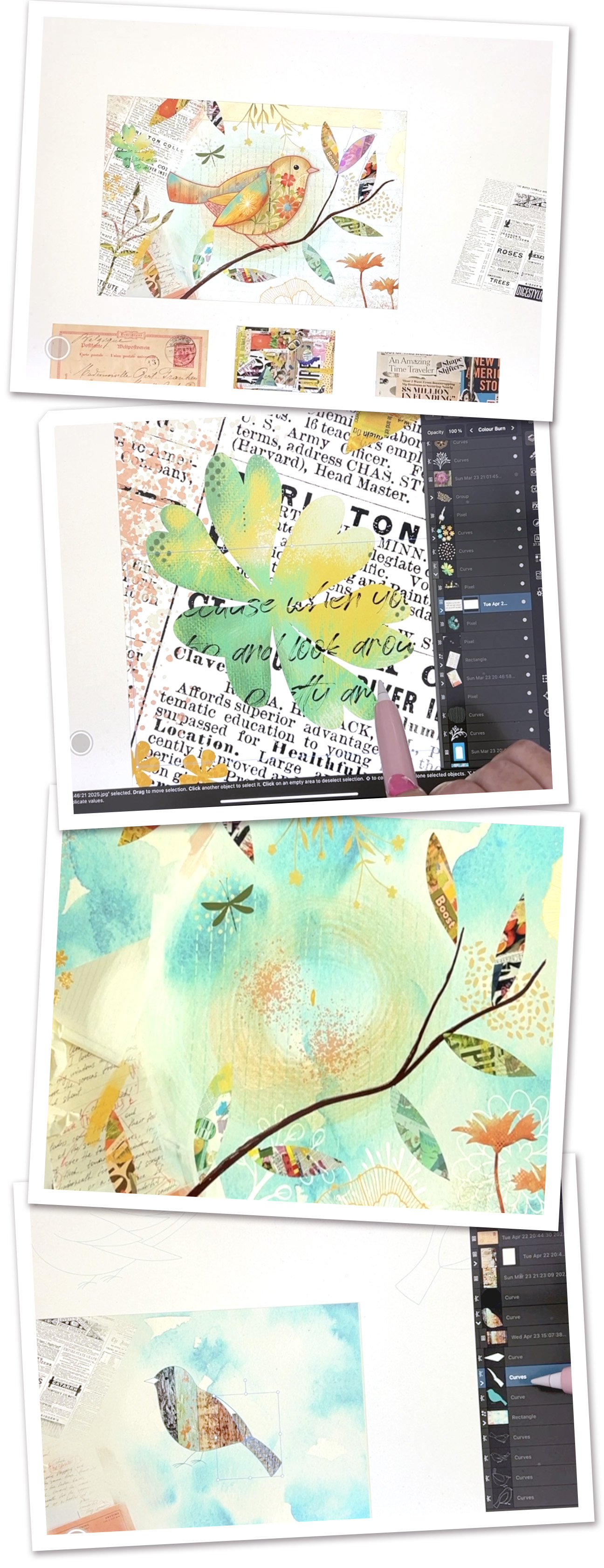
This class is packed with engaging lessons where you’ll learn how to layer textures, shading, highlights, and accents to create a visually rich composition. It will feel like working in a real art journal—but so much faster! You'll learn techniques for adding details and finishing touches like shadows and painterly texture while maintaining the flexibility to modify and refine individual elements. You will even explore ways to organize your workspace efficiently, use Affinity Designer’s built-in resources, and incorporate your own collage materials for a unique artistic style.
Use this Image with Text block to balance out your text content with a complementary visual to strengthen messaging and help your students connect with your product, course, or coaching. You can introduce yourself with a profile picture and author bio, showcase a student testimonial with their smiling face, or highlight an experience with a screenshot.
By the end of the class, you’ll have completed a professional mixed media bird illustration that captures the charm and essence of this quirky subject. Whether you want to extend your project into a series or convert it into greeting cards, prints, or framed art, the possibilities are endless. Let’s get started creating stunning artwork right away!
In This Class I'll Walk You Through
In this class, I’ll demonstrate how to combine vector and pixel tools in Affinity Designer to create a dynamic and vibrant mixed media illustration. We'll start by building the base of the composition using bird outlines and digital collage assets. Next, I'll share techniques for adding textures, highlights, shadows, and painterly effects to your artwork. You'll also learn how to make creative use of Affinity Designer's built-in brushes, blending modes, and external resources like Pixels and PixaBay to incorporate beautiful visual elements.
The Curriculum
- Intro AD 44 - Mixed Media Bird Illustration using Vector and Pixel Personas (1:34)
- Lesson 1 My Document and Starting the Layout (10:09)
- Lesson 2 Creating the Base Outline and Bird Collage Set-Up (11:02)
- Lesson 3 Pixel Brushes for Texture and Dimension (15:16)
- Lesson 4 Adding Branches and Background Collage Elements (11:14)
- Lesson 5 Leaves, Flowers, and Painterly Detailing (10:40)
- Lesson 6 Closing Thoughts, Mockups and Wrap Up (1:49)
Featured Products
Save time and elevate your designs with these Affinity Designer asset packs, packed with a wide variety of editable elements ready to enhance your compositions effortlessly!