About This Class
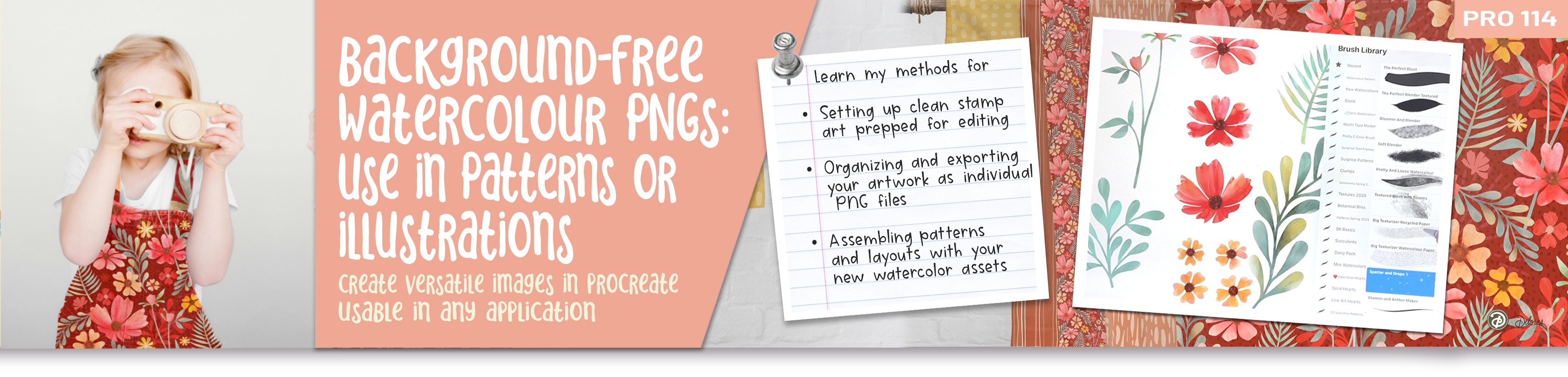
In this class, we're combining the beauty of watercolor painting with digital tools to create ready-to-use PNG elements with transparent backgrounds perfect for any design project. We’ll cover everything from avoiding the necessity for cleaning up paper texture in the backgrounds of watercolor art to advanced techniques for preparing assets to use in programs like Procreate, Affinity Designer, or Photoshop and Illustrator. Over 5 structured lessons, you'll learn actionable techniques and even have access to curated brushes, color palettes, and pre-stamped flower assets that will make the process fun, fast, and easy.
Here’s a snapshot of what we’ll cover:
- Introduction to the Process
- Preparing Your Base Elements for Painting
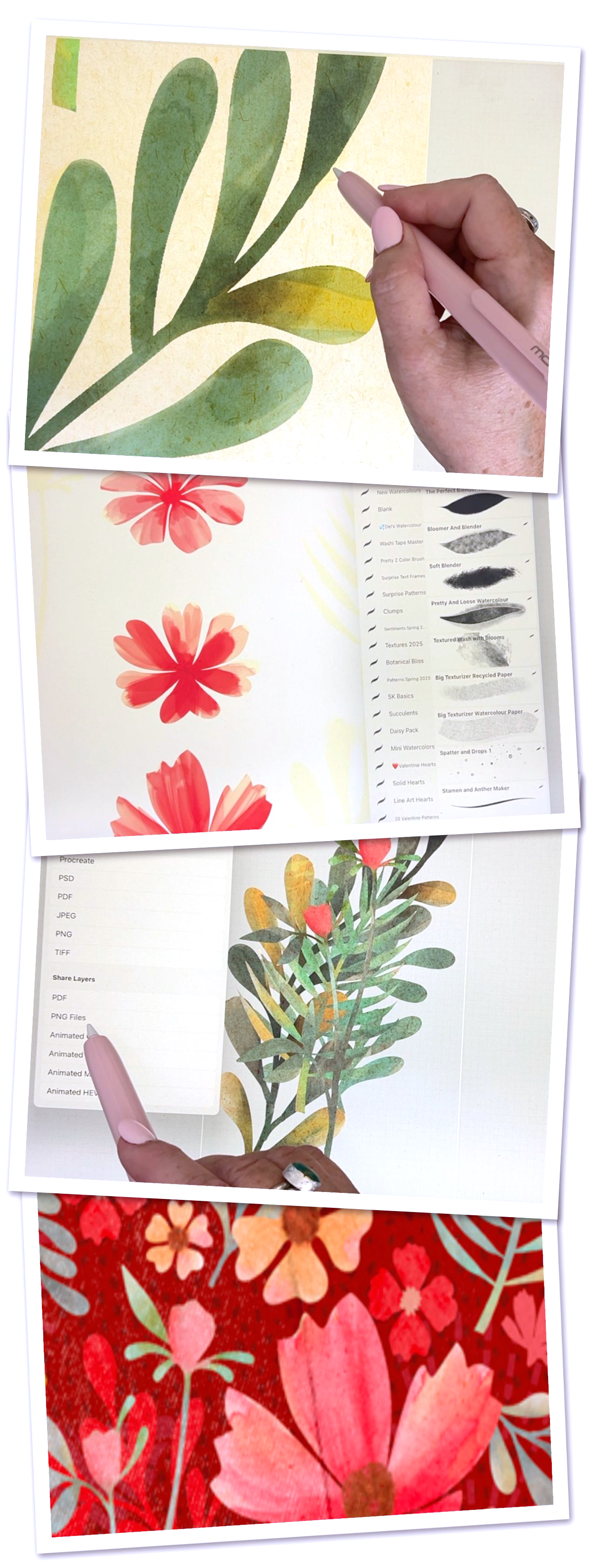
- Adding Rich Watercolor Effects
- Perfecting Transparency with Clipping Masks
- Creating Final PNGs
- Ideas for Composing Designs
-
Wrapping Up with Mockups & Closing Thoughts
Whether you’re a beginner looking to streamline your artistic workflows or a seasoned designer in need of premium tips on asset preparation, this class will show you how to save time, maintain creative freedom, and create versatile watercolor assets. Let’s jump into it!
In This Class I'll Walk You Through:
I’ll guide you step-by-step through preparing watercolor elements digitally for use across different design projects. We’ll start with crafting and painting watercolor icons, removing textured paper backgrounds seamlessly, and organizing individual PNG files for use in pattern creation. At the end, I’ll show you how to bring it all together in Affinity Designer or Procreate by composing stunning repeat patterns.
My goal is to share my passion for efficiency which I will build on in future classes as well as I perfect this technique. Remember, beauty is woven throughout every lesson, so you’ll find it simple and inspiring to create something amazing!
The Key Concepts I Will Include:
This class focus is on giving you practical tips and tools that will improve your design workflow and artistic consistency. You'll learn how to:
- Digitally transform watercolor paintings into clean, efficient PNG files.
- Use clipping masks to remove unwanted textures and focus on your motif.
- Apply curated brushes and color schemes thoughtfully to elevate your designs.
- Strategize layering and organizing for a smooth process.
-
Export assets for different types of projects, including pattern designs.
Example Curriculum
- Intro for PRO 114 – Preparing PNG Watercolor Assets for Pattern Design (1:39)
- Lesson 1 – Preparing Your Base Elements for Painting (8:13)
- Lesson 2 – Painting & Applying Textures with Brushes (15:35)
- Lesson 3 – Working with Clipping Masks for Transparency (9:56)
- Lesson 4 – Exporting Individual PNG Elements (10:00)
- Lesson 5 – Closing Thoughts and Mockups (1:47)